Build a professional page in seconds — just describe what you want and let AI do the rest.
Our new AI Page Creation removes the friction from building pages. Instead of choosing a template and filling in details from scratch, you can describe the page you want in plain language and AI generates it for you — fully built, ready to customize.
There are two ways to use AI Page Creation:
Create with AI — Start from the Pages tab, type a description of what you want, and the AI builds your page on the spot.
Design with AI from a product — Finish setting up a product, click Design with AI, and the AI automatically pulls your product name, price, description, and product ID into the prompt. Your page starts generating the moment you land on it.
Whether you're starting from scratch or coming straight from product creation, AI Page Creation gets you to a live, professional page faster than any other method.
Creating a Page with AI from the Pages Tab
If you want to build a page without starting from a product, you can launch AI Page Creation directly from the Pages or Sites tab depending on the dashboard view you have!
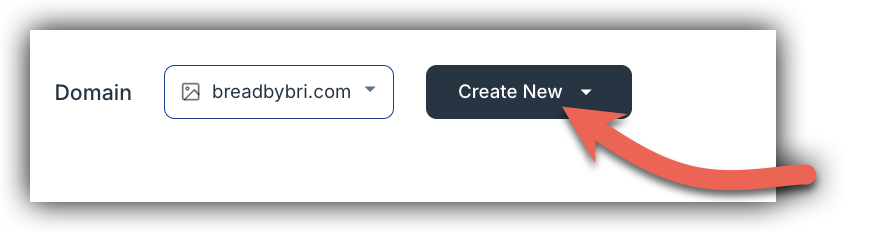
- Navigate to Pages or Sites in your dashboard and click Create New button.
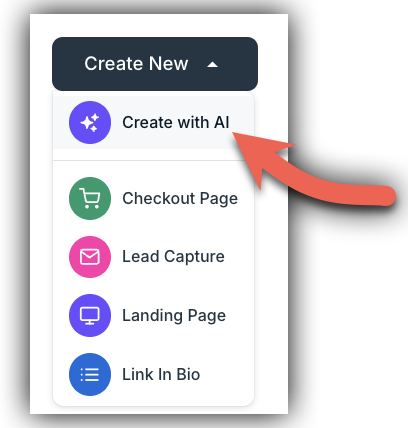
- Select Create with AI from the dropdown.
- In the prompt field, describe the page you want to create. Be as specific or as general as you like — for example:
- "A checkout page for my beginner photography course priced at $97"
- "A lead capture page for a free meal planning guide"
- "A link-in-bio page for my coaching business"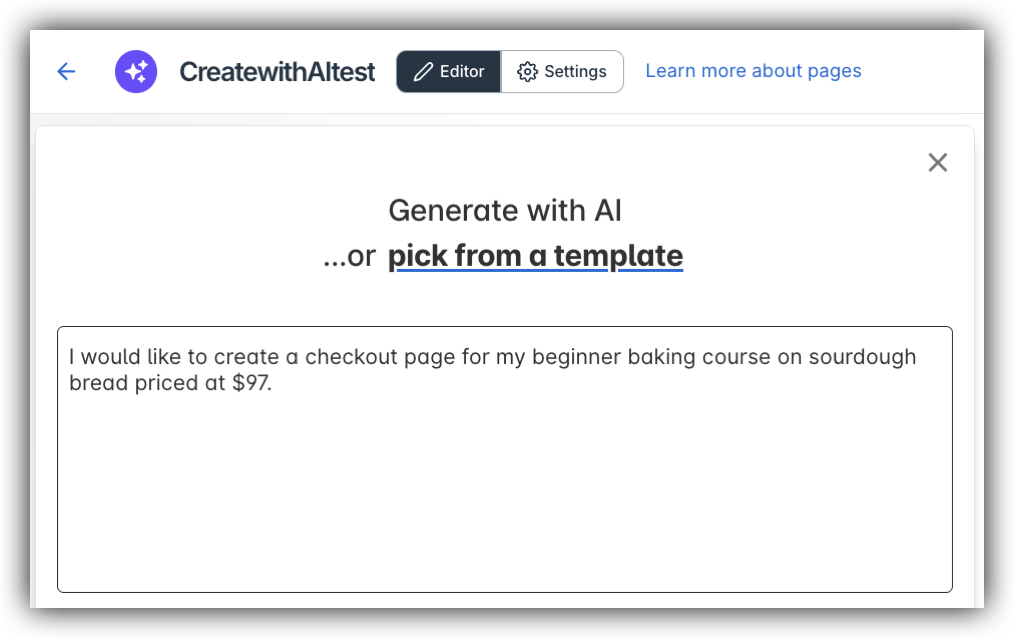
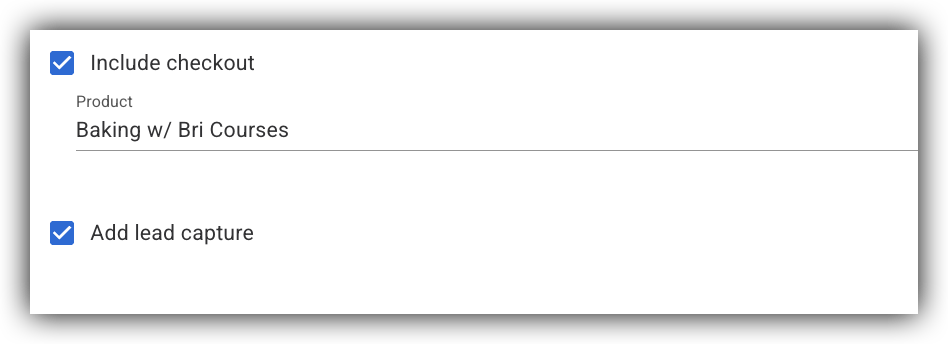
- Optionally, connect a Checkout form (Product) to your page or a Lead Capture if you'd like those elements included on your page.
- Click Create. The AI will begin to generate your page based on your description.
- From there, you can review the generated page and make any edits before publishing.
Creating a Page Directly from a Product
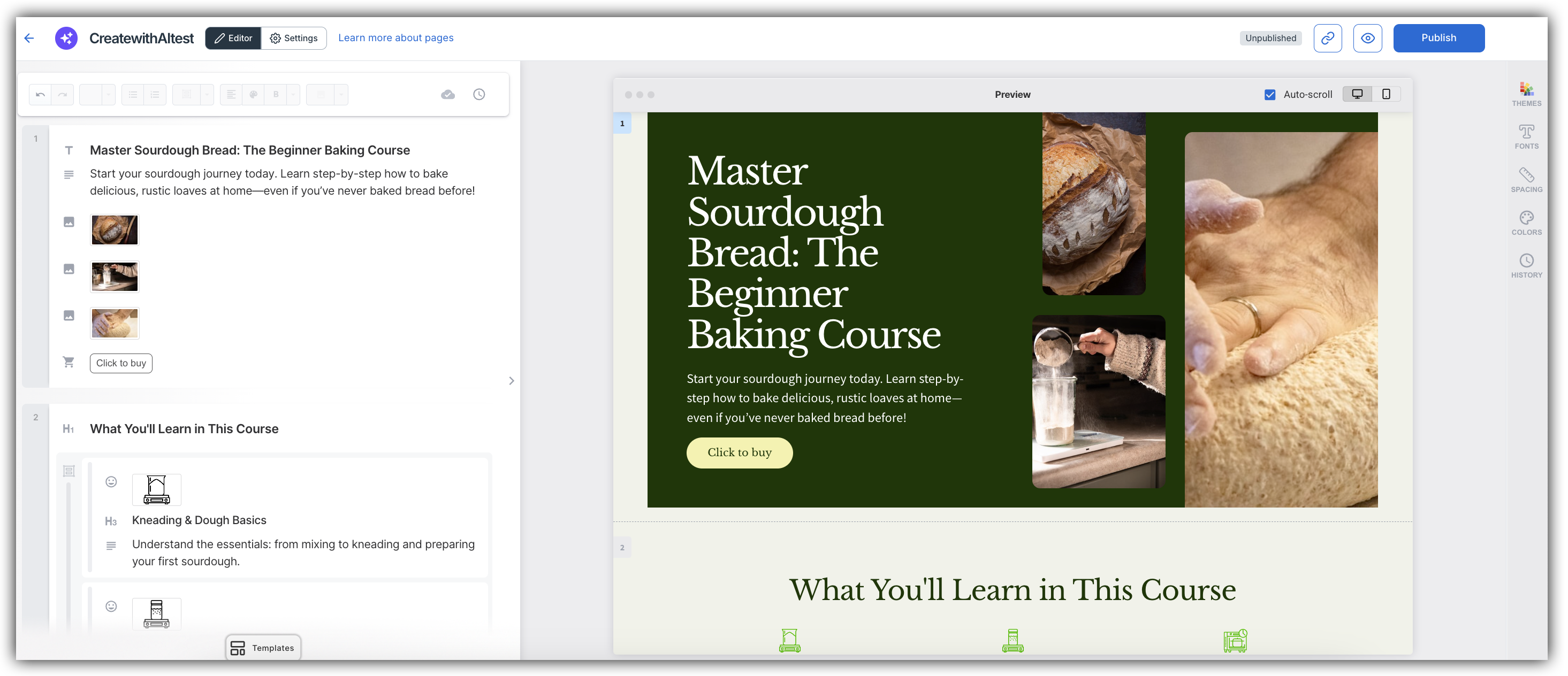
When you create or edit a product in SamCart, you can launch AI Page Creation with one click. Your product data flows directly into the page prompt — no retyping required.
- After setting up or editing a product, click Design with AI. The AI automatically populates the page prompt with your product's name, price, description, and product ID. Checkout is pre-checked and your product is pre-selected.
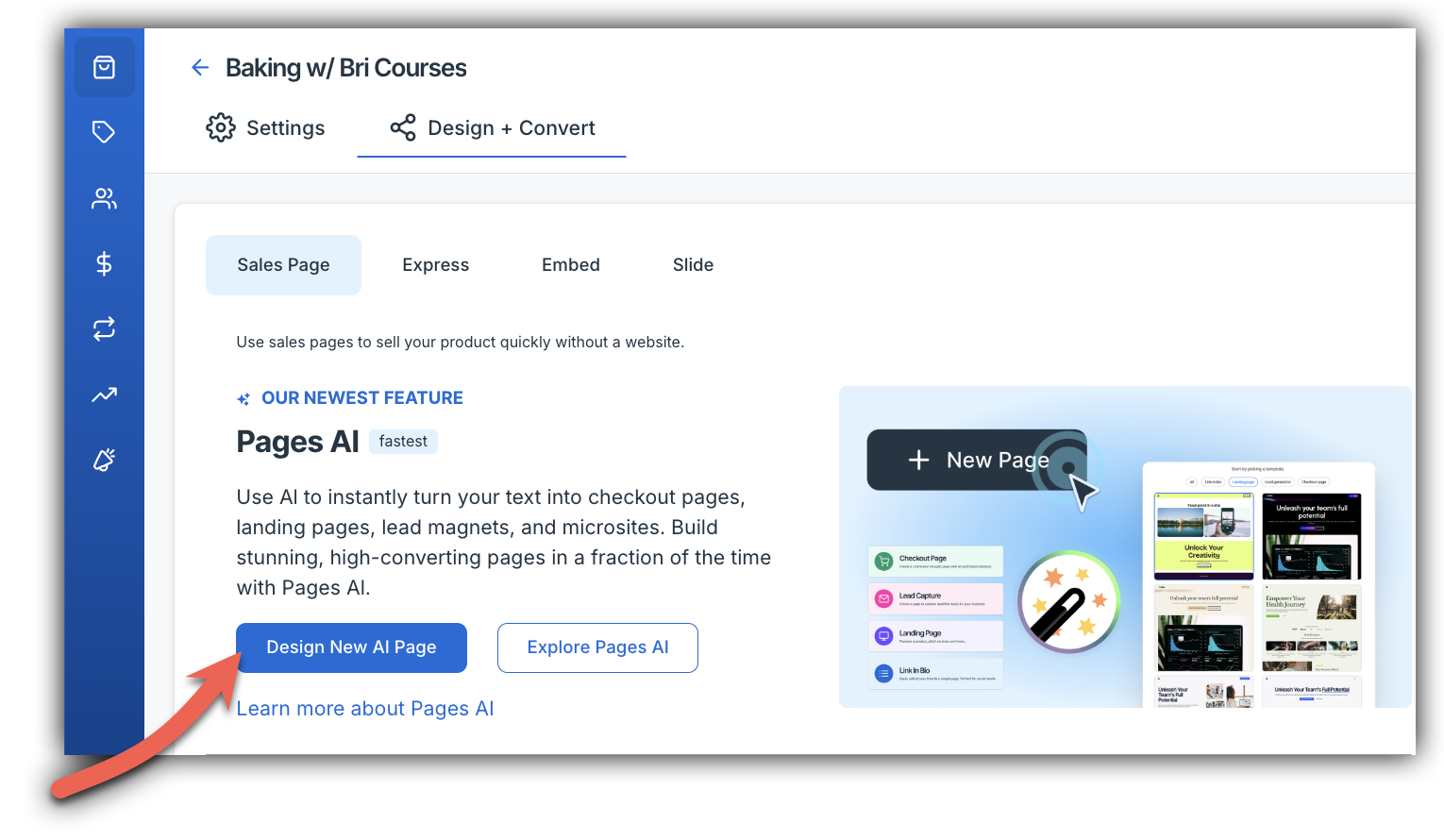
- In the prompt field, a description is pre-added for you based on the details of your product. However, you can add additional information if you would like.
- Optionally, connect a Lead Capture if you'd like that element on your page.
- Click Create. The AI will begin to generate your page based on your description.
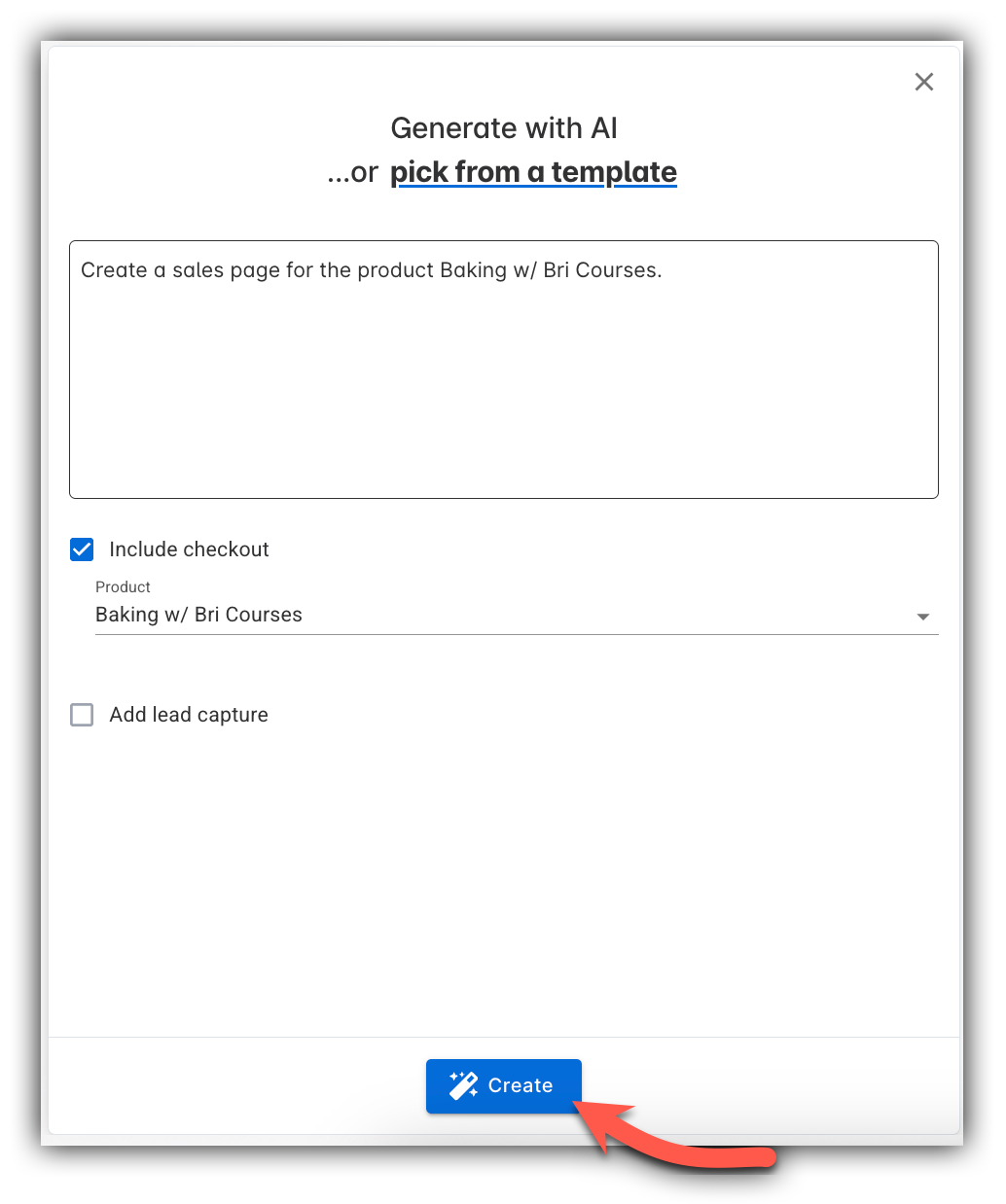
- From there, you can review the generated page and make any edits before publishing.
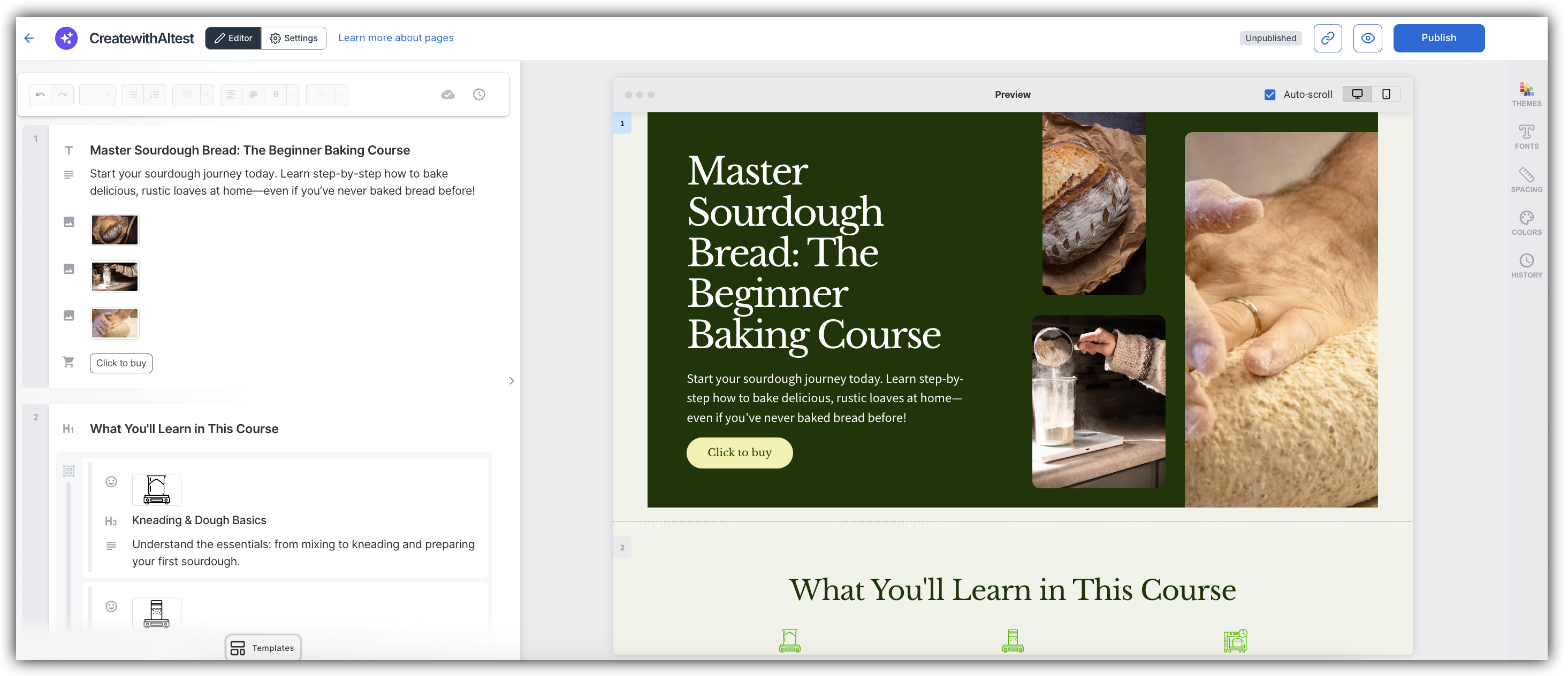
- That's it! From product setup to a fully built checkout page in one click.
Editing Your AI-Generated Page
Once your page is generated, it opens in the Pages editor where you can make any changes before publishing on the left hand side of the editor.
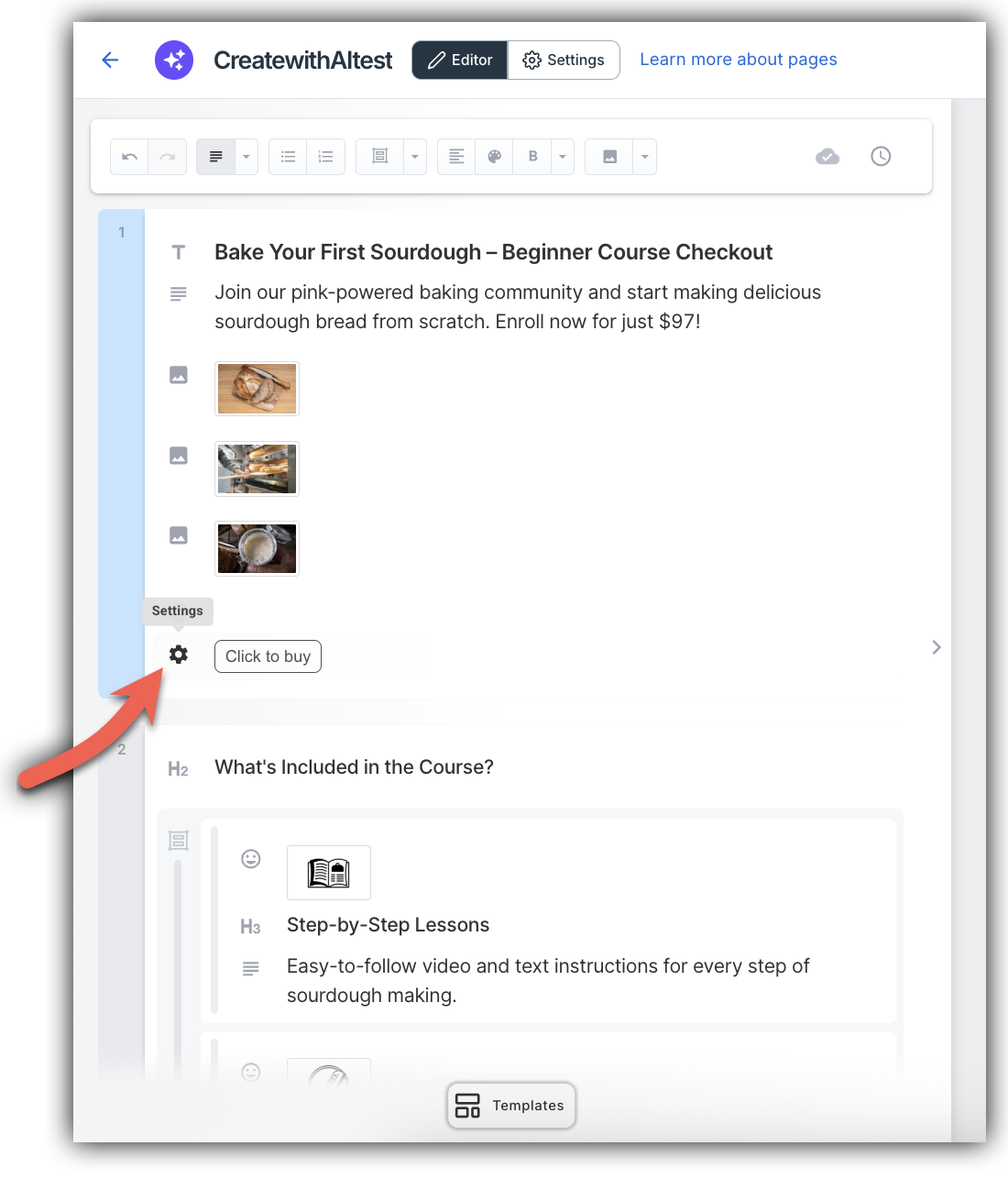
You can adjust copy, swap images, change colors, reorder sections, or modify any element just as you would with any other SamCart pages. The AI-generated page is a starting point — everything is fully editable.
When you're happy with the result, click Publish to make your page live.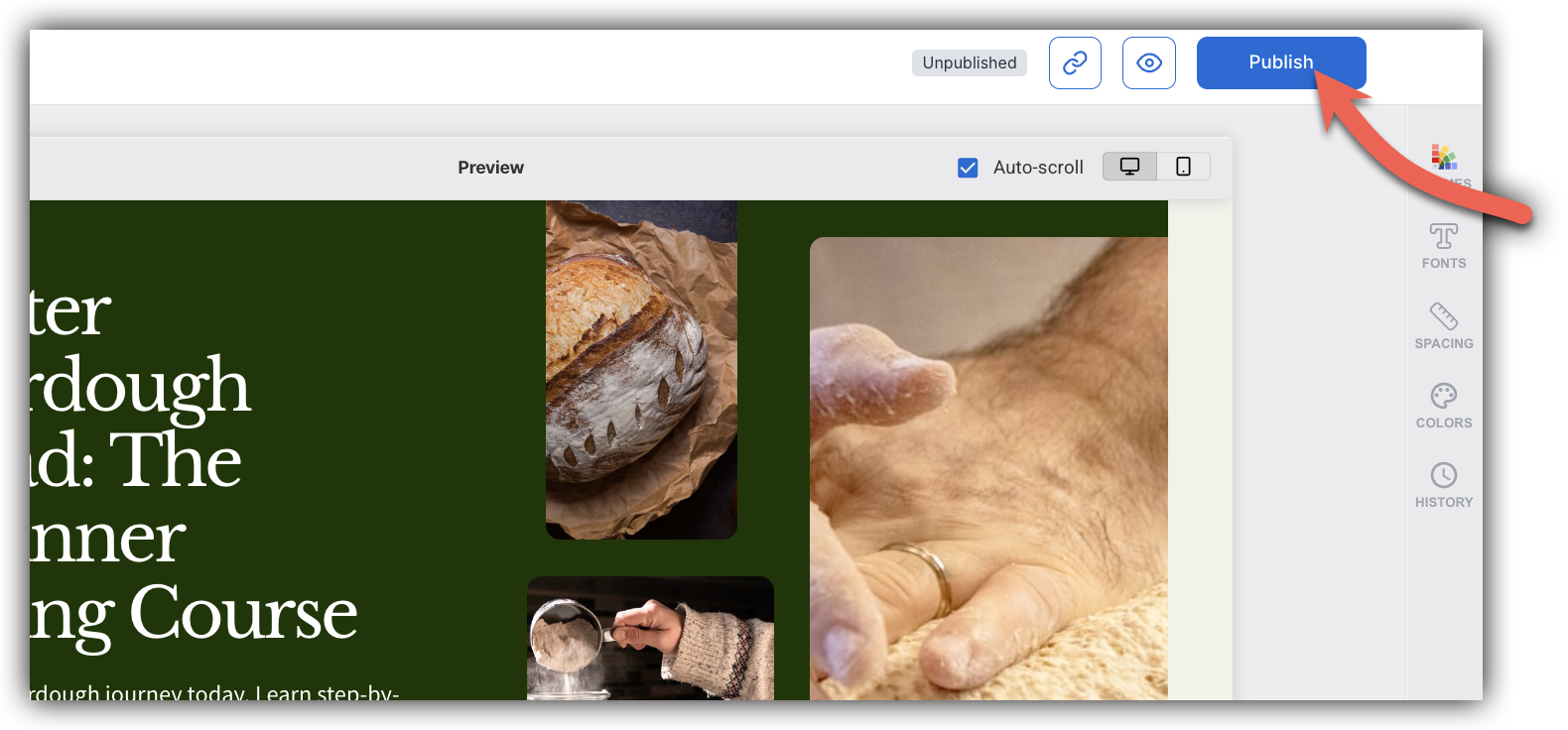
Generate Sales Page Copy and Create Your Page with the CreatorAI Assistant
The CreatorAI Assistant is a built-in tool that helps you generate high-converting sales page copy — headlines, sections, and CTAs — before you ever open the page builder.
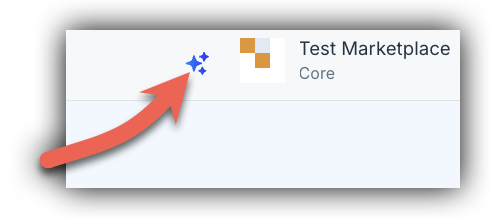
To open the AI Assistant, click the sparkle icon in your dashboard.
In the panel that appears, click See what I can do, then select Write Sales Page Copy.
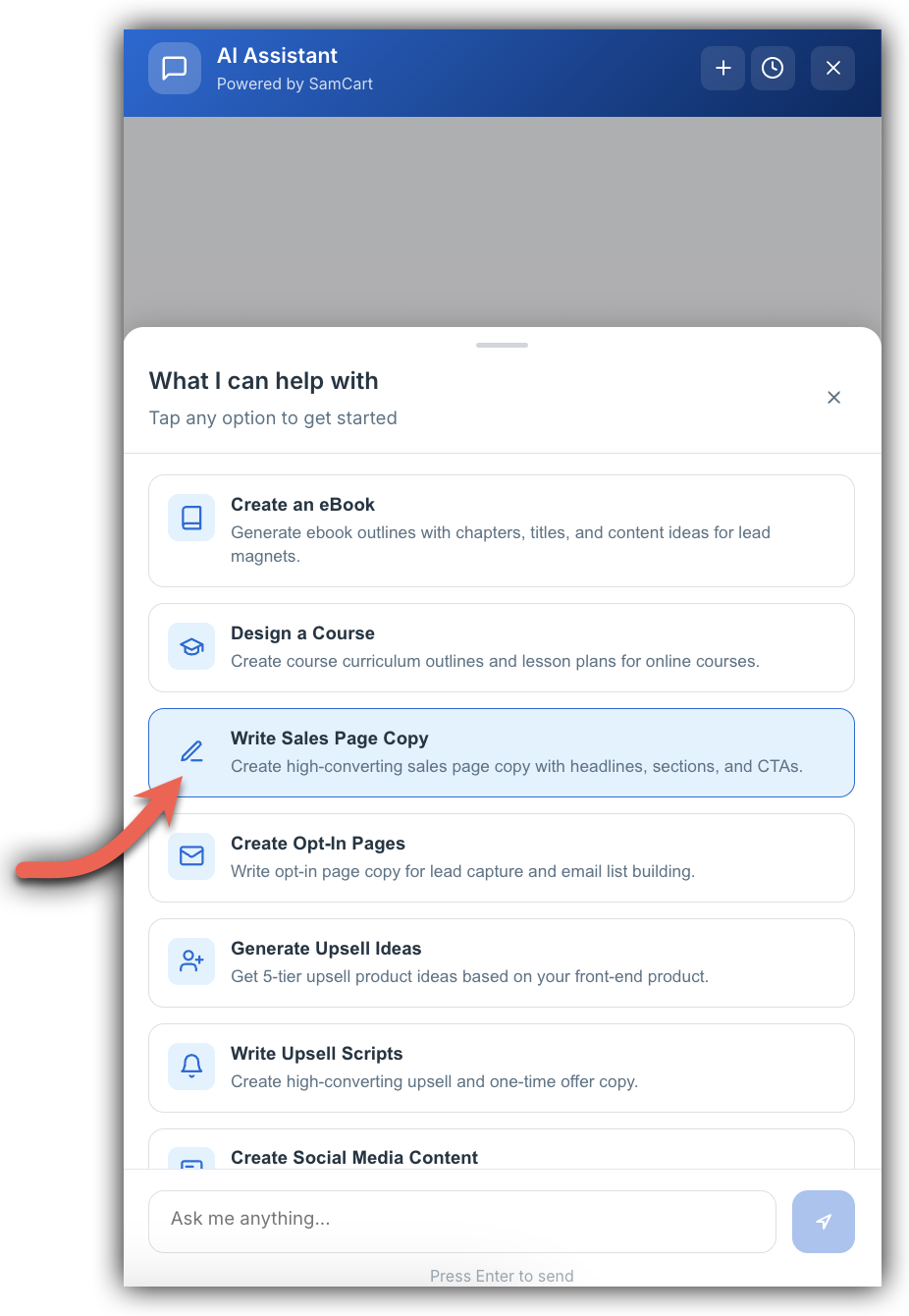
The CreatorAI Assistant will prompt you for details about your product. Fill in the fields and click Send (or press Enter) to generate your copy. Once the AI Assistant finishes generating your sales page copy, a Create Page button will appear directly in the results.
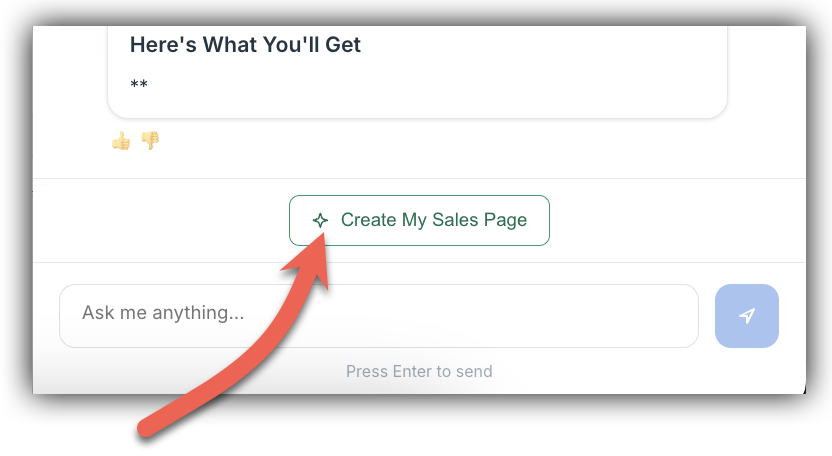
Clicking Create My Sales Page takes you straight to the Sites page builder with your copy already filled in and your product pre-selected. No copying, no pasting, and no switching between tabs to rebuild context you already had.
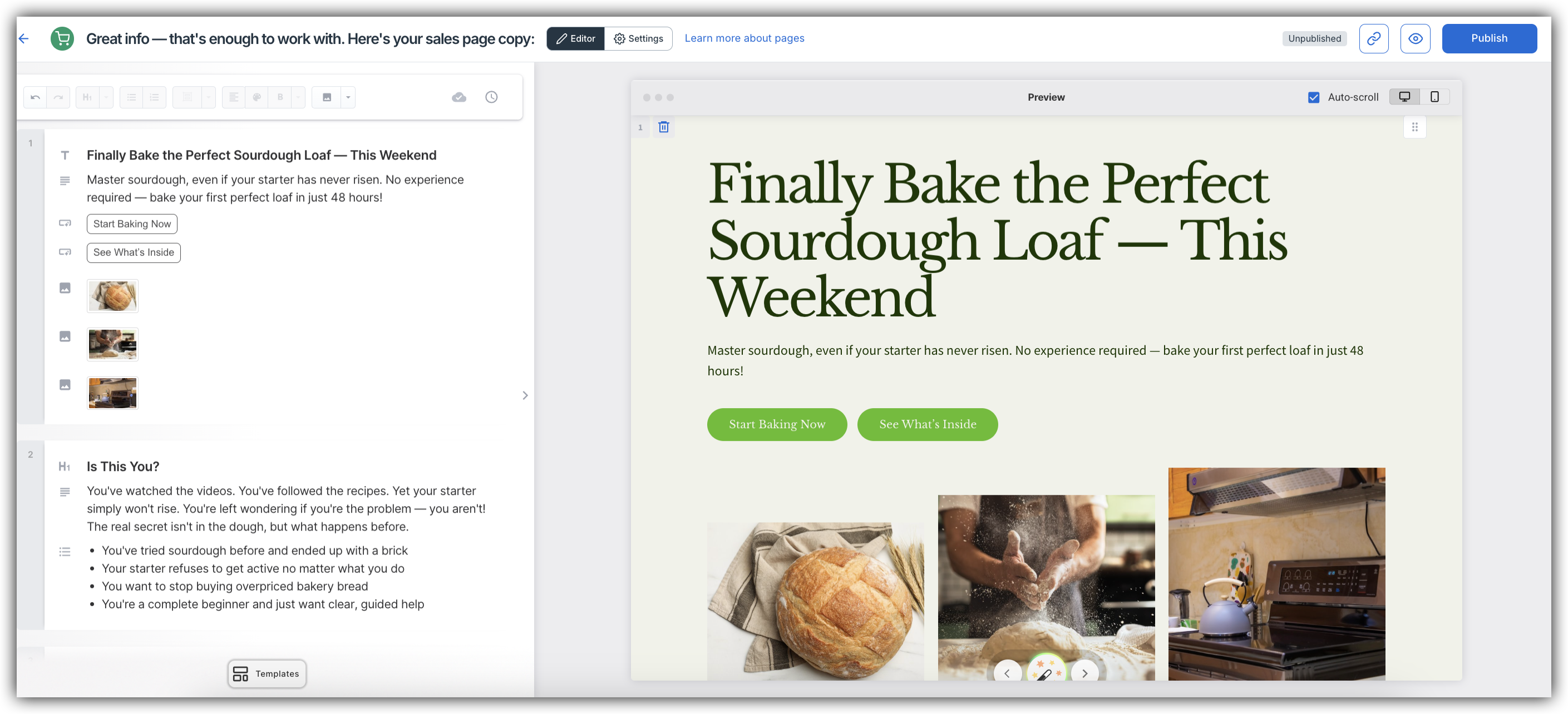
From there, review and edit your content, make any design adjustments, and publish when you're ready.
Note: You will need to edit the Name of your Product in the top left hand corner and connect any products to links!
Frequently Asked Questions
Q: What types of pages can AI Page Creation generate?
A: AI Page Creation works for any page type — checkout pages, landing pages, lead capture pages, link-in-bio pages, and more. Just describe what you need in the prompt and it will generate the appropriate layout and content.
Q: Can I edit the prompt before my page generates when coming from a product?
A: Yes. When you click Design with AI from a product, the prompt is pre-filled with your product data, but you can edit it before generation completes or regenerate with a revised prompt if needed.
Q: What if I don't like the page that was generated?
A: You can edit any element of the generated page directly in the editor. If you'd prefer to start over with a different description, you can create a new page using Create with AI and refine your prompt.
Q: Does AI Page Creation work for subscription products?
A: Yes. When using Design with AI from a product, your product data — including pricing and product type — is passed into the prompt automatically. The generated page will reflect your product's setup.
Q: Will the AI-generated page be connected to my product automatically?
A: When you use Design with AI from a product, your product is pre-selected and checkout is pre-checked in the prompt. The generated page will be connected to that product. If you use Create with AI from the Pages tab, you can select your product during the page setup or connect it after generation in the editor.