New Attribution Suite Locks Down Your Tracking
Get more out of your advertising spend with the new SamCart Attribution Suite! This new update gives you gets more of your sales matched to the ads that drove them in Meta, Google Analytics, and Google Ads. It saves where every buyer came from right on the order.
This article covers what's new, what changes when you turn it on, and how to turn it on. For full setup of each tracking tool, see the Learn More links at the bottom. 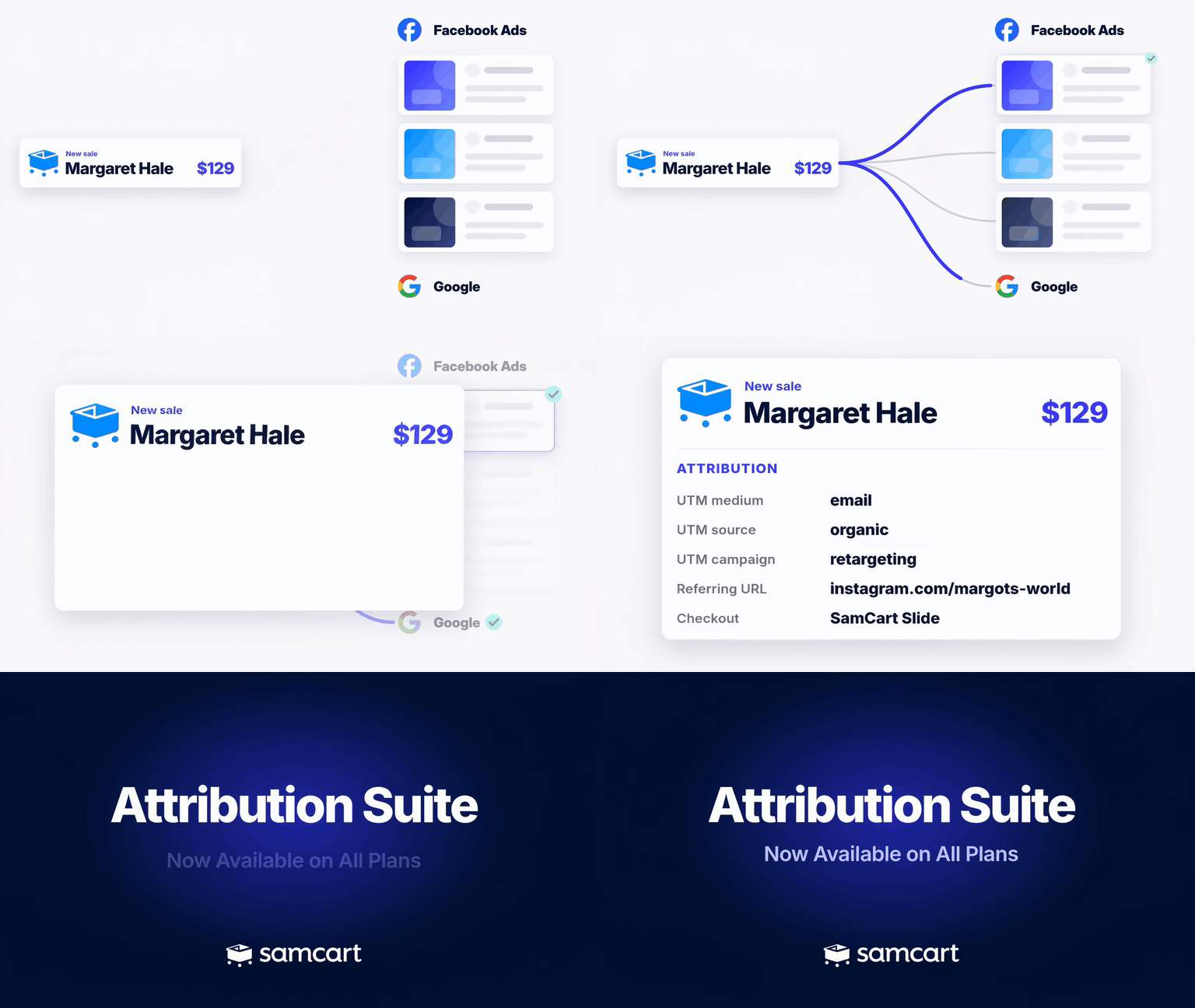
Turn on the new Attribution Suite by visiting your Dashboard and activating from the in-app pop-up message, or by sending a message into our team. Please read below to understand how this update effects your tracking.
Here's What's New
SamCart now sends one, unified purchase event per order. One order total, one list of purchased products, reported reliably to Meta and Google's platforms without you needing to worry about setup.
- Smarter tracking for anyone adding SamCart Checkouts to their own websites through Embed Checkout or Slide Checkout. UTMs, Google Analytics, and Meta Pixel are now reliably passed from your domain into SamCart's checkout.
- A new optional site-wide tracking script. Add a small SamCart script to any page on your site, and SamCart keeps your UTMs and ad click data as visitors move from page to page before they buy.
- An Attribution section on every order. SamCart saves the Meta click ID, referring URL, and UTM parameters automatically with every order.
- An Events table is now present on every order. Enabling you to see exactly where that order's purchase data was sent.
- Add multiple Meta Pixels to one SamCart Marketplace. You can even assign specific products to each pixel, to segment your data however you need it.
What Changes When You Turn This Feature On
1. One customer, one purchase event
Before, SamCart sent a separate purchase event every time a card was charged. For customers who purchased one or more upsells, this resulted in multiple purchase events fired to Meta.
Now every order sends one, unified purchase event that includes every product the customer bought and the order total, no matter what combination they bought.
2. This update is not retroactive
Turning this on doesn't change any past data. Orders and purchase events from before you opted in stay exactly as they were. The new tracking starts from the moment you turn it on.
3. You can't switch back
Once you turn on the Attribution Suite, it stays on. There's no way to return to the old tracking, so read through this article and give your team or agency a heads-up first.
How To Turn It On
There is a message on your dashboard where you can click to activate this new feature. If you dismissed that message without activating, just send a message into our team and let them know that you would like to turn on the new attribution suite.